VSCode For Python
By ski11up.com
You are starting on a new programming / scripting language but from where you are going to start? What things are needed for setting up the development environment? What software packages you will be needed for the writing your first program?
I started python a few months back and face the same questions. This blog covers the basic steps. Setting up VSCode as the code editor and we will add the basic set of plugins that makes life a little easier.
Install Python
Download python from Python3 Download
PIP is already installed with Python3 and above.
Check Python is installed successfully.
$ python3 --version
Python 3.8.5
Check PIP is install successfully.
$ pip3 --version
pip 20.1.1 from /Library/Frameworks/Python.framework
  /Versions/3.8/lib/python3.8/site-packages/pip (python 3.8)
Install VSCode
Download VSCode from VS Code and install the software on your PC.
Open VSCode by double click on the application executable.
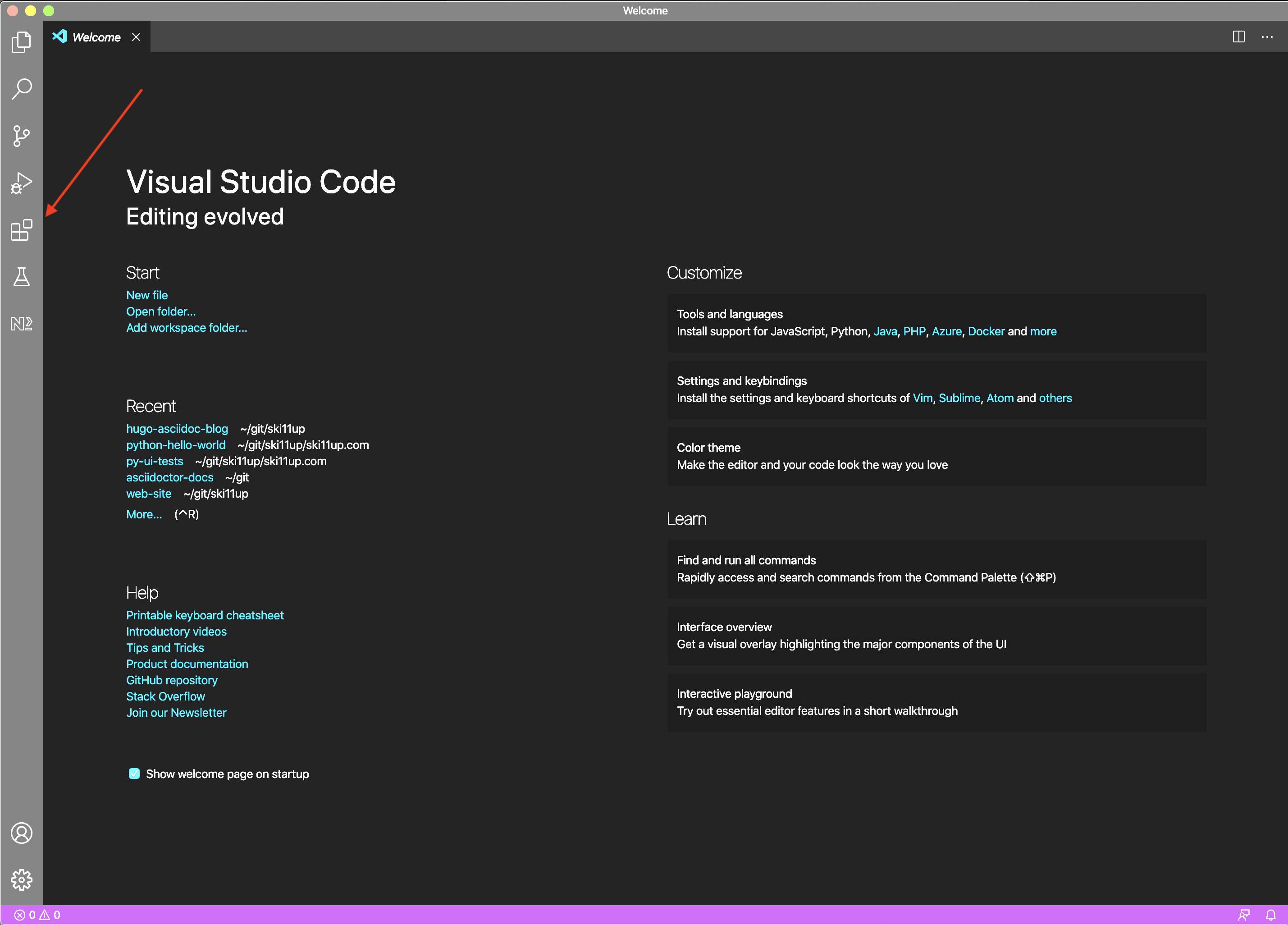
If all goes good VSCode will look like as below.
Install Plugins
Click on the Extensions (shown in a above screenshot marked with red arrow), search for Python, it will show the list of available plugins and a button as Install. I have already installed these plugins therefore Install button is not showing for me.
Install Plugins
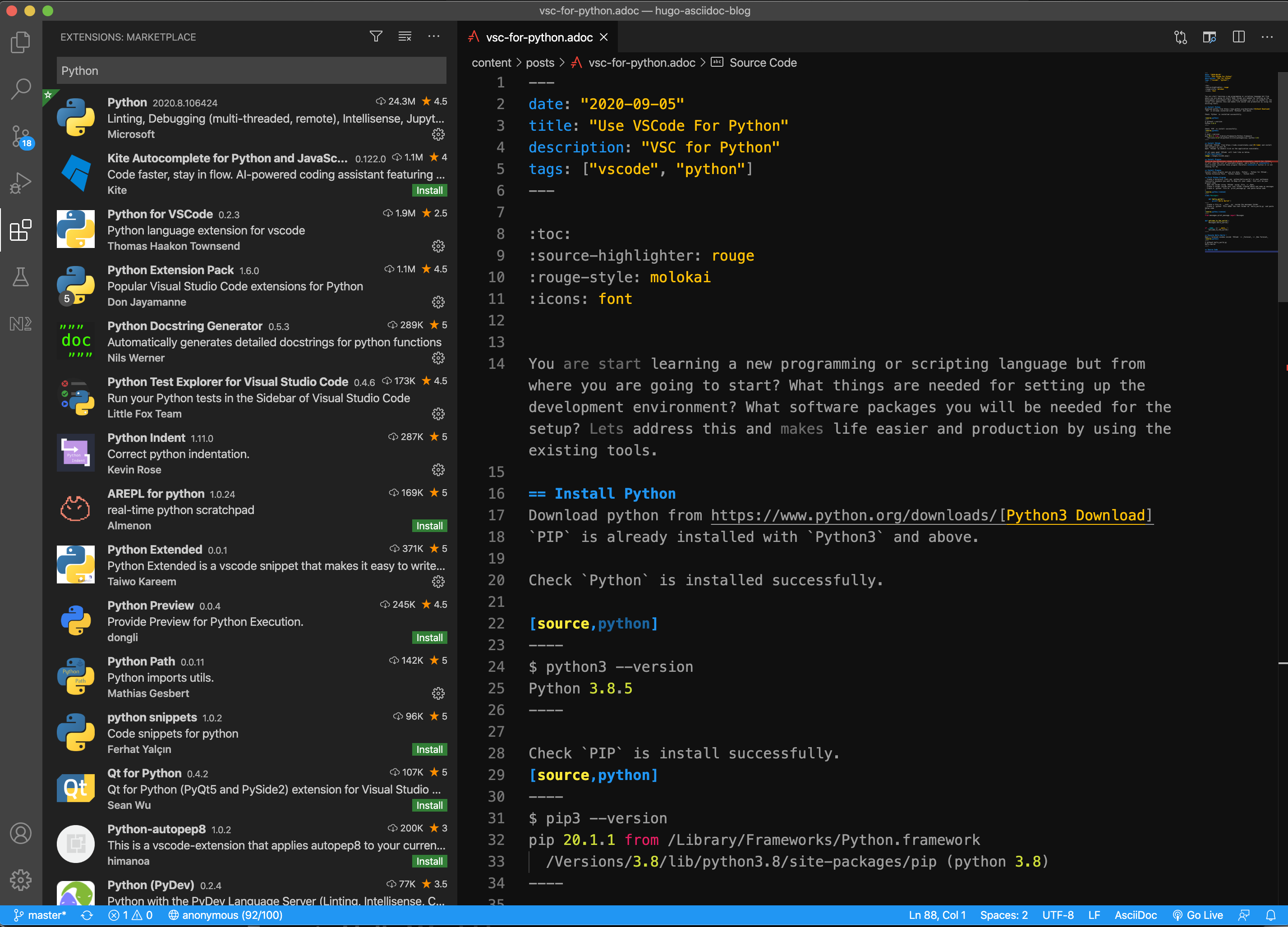
Install these plugins and you are done, Python, Python for VSCode, Python Extension Pack, Python Indent, Python Path.
VSCode Python plugin search will look like as below after installation of these plugins.
I am using VSCode for writing this blog as well so you can see this blog markdown.
First Python Program
-
Create a directory (lets say
python-hello-world) in your workspace (basically anywhere you want to keep all your code), this will be your project name -
Open the folder using
VSCodeusing File → Open -
Create a folder inside your root folder created above and name as messages
-
Create a
pythonfile asprint_message.pyand paste below codeprint_message.py1 2 3 4
class Messages: def hello_world(): print('Hello World!')
-
Create a file as
__init__.pyinside the messages folder -
Create a
pythonfile under the root folder ashello_world.pyand paste below codehello_world.py1 2 3 4 5 6 7 8 9
from messages.print_message import Messages def welcome_to_the_world(): Messages.hello_world() if __name__ == '__main__': welcome_to_the_world()
Execute Hello World !
Open a terminal window inside VSCode → Terminal → New Terminal
$ python3 hello_world.py
Hello World!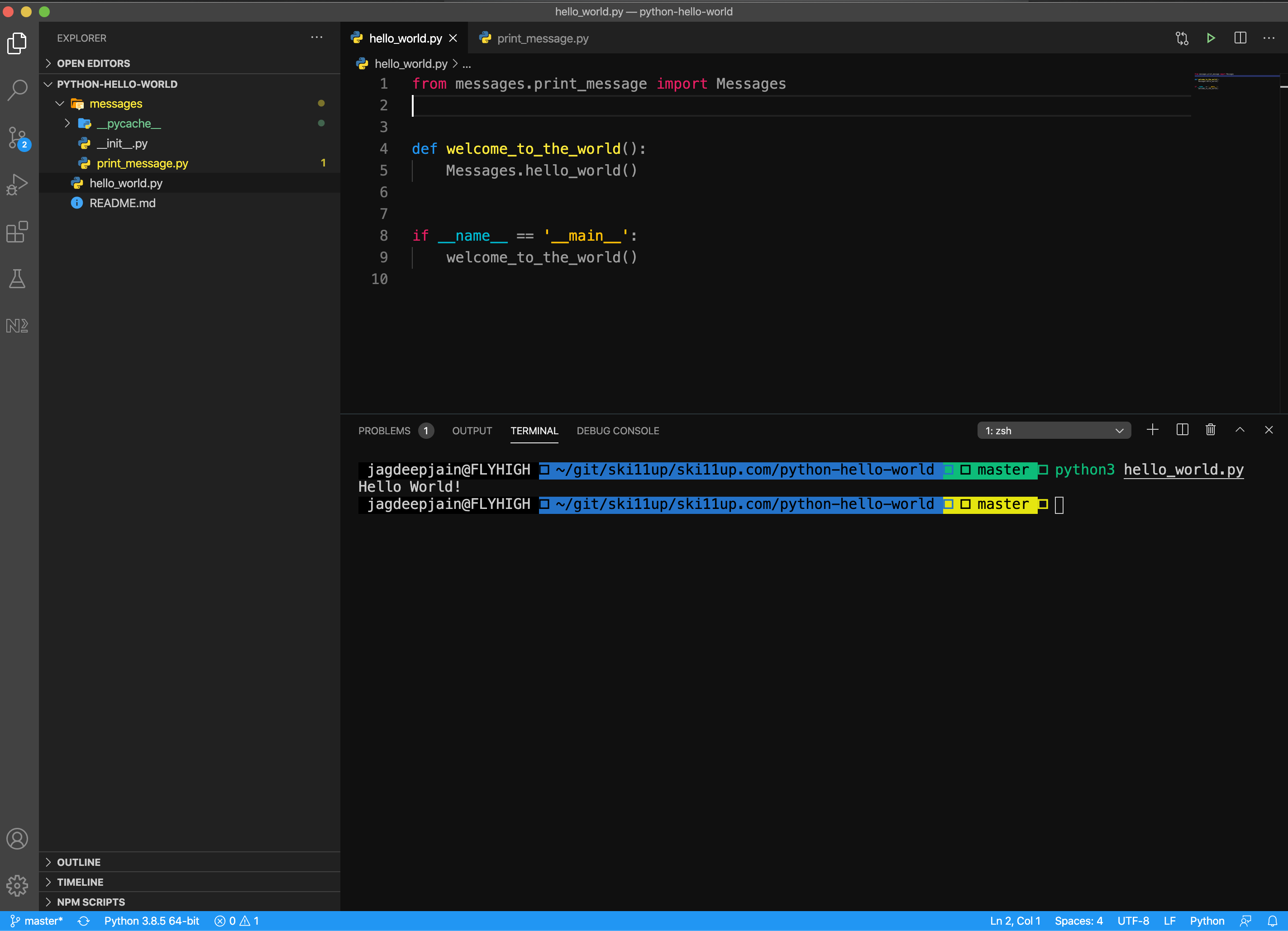
Source Code
You can either git fork, git clone or download this repository python-hello-world.